[SOLVED] Magento 2 404 Error Page Not Found (Frontend & Admin)
Fix the Magento 2 404 error page not found: set the docroot to /pub, enable URL rewrites, check base URLs, reindex and fix the admin 404 in Magento 2.4.x.
Read the articleIn this section, I will publish articles related to fixing common Magento 2 issues. You will learn how to resolve issues related to theme, extensions, conflict error, learn how to debug error in Magento 2
Fix the Magento 2 404 error page not found: set the docroot to /pub, enable URL rewrites, check base URLs, reindex and fix the admin 404 in Magento 2.4.x.
Read the articlePdo_mysql extension is not installed Magento 2 is a common error message Magento 2 users will probable encounter when working with Magento 2. You may…
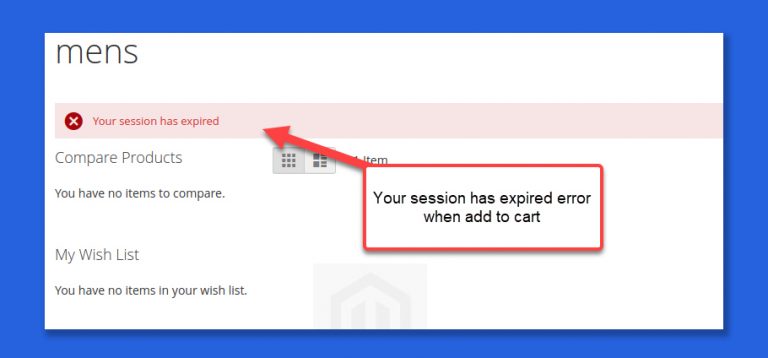
If you regularly working with Magento 2 on Localhost environment on Windows server or Windows 10, you will probably see the error message “Your…
Sometimes when working with Magento 2, you will see the error message: An error has happened during application run. See exception log for details. Could…
You will sometimes see the error message: Error 503: Service Temporarily Unavailable in Magento 2 with the detailed message below. Service Temporarily Unavailable the…
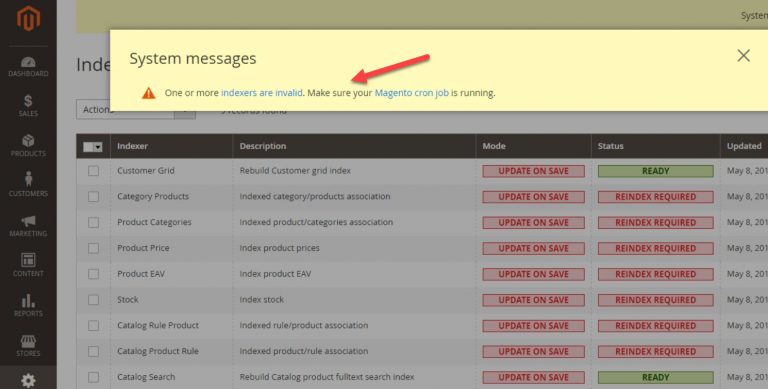
When working with Magento 2 in backend, sometimes you will see the system message “one or more indexers are invalid. Make sure your magento…
Sometimes when working with Magento 2, you will see the message Please re-run Magento compile command. Use the command “setup:di:compile”. There are some scenarios…
The blank admin page issue in Magento 2 often occurs when you upgrade Magento 2 version or even with a fresh installation of Magento…
The “Attribute_name” attribute value is empty. Set the attribute and try again or The value of attribute “is_new” must be set error may happen…
Magento 2 provide a very helpful command to resize images on storefronts to save disk space as well as make load speed of your…